Article contents
When a recruiter reads a CV, they aren't looking for perfection: they are looking for a reason to say yes or, more often, a reason to move on to the next one. Most rejected CVs aren't rejected for a lack of skills, but for avoidable flaws: a neglected detail, an unreadable file, a message that is too vague.
Here are twelve common mistakes, with what they cost you and how to repair them.
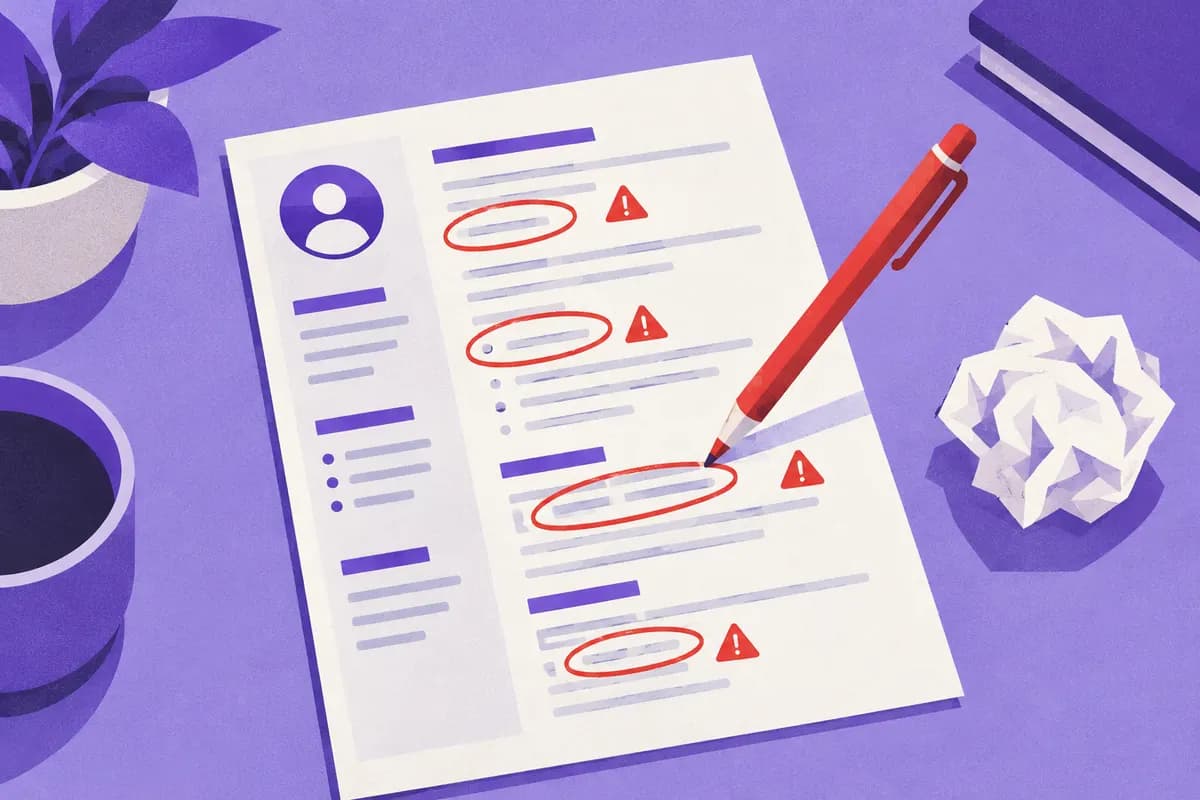
1. Spelling and typing errors
Why it's a problem: a typo on a CV suggests the candidate will be careless at work, even if that isn't fair. This is especially true for roles that demand rigor (administration, accounting, communication).
Fix: run the text through a spell checker, then read it aloud, then have someone else proofread it. Watch the proper nouns: a misspelled software name ("PowerPoint"), company or city stands out immediately.
2. A CV that is too long or too dense
Why: a recruiter who receives dozens of applications won't read four pages.
Fix: one page up to about ten years of experience, two beyond that. Cut detailed older roles, shorten bullets, widen the margins rather than shrinking the font. If you hesitate to cut, ask yourself whether the line helps you land this interview.
3. A hollow personal statement
Why: "Motivated and dynamic person" says nothing and takes up space.
Fix: replace it with a profession, a level, a proof point and a goal. See CV personal statement: writing an effective professional profile.
4. Tasks instead of achievements
Why: a list of duties doesn't tell whether you were good or not.
Fix: for each job, at least one bullet with a result, a volume or an improvement. We give examples in describing your experience with measurable results.
5. The same CV for every posting
Why: a generic CV highlights what matters to you, not to the recruiter.
Fix: adjust the personal statement, the order of the bullets and the skills. It takes about twenty minutes with the method in tailoring your CV to a job posting.
6. Vague dates or unexplained gaps
Why: unexplained periods raise suspicion, even when the reason is perfectly normal.
Fix: always give month and year ("03/2022 – 09/2025"). For a break (parental leave, training, travel, illness, returning to study), one neutral line is enough: "Parental leave (2023–2024)" or "Web development training". Don't invent anything: it can be checked.
7. A design that hurts readability
Why: three columns, ten colors, decorative fonts and icons everywhere create an impression of clutter and make the CV harder for software to read.
Fix: one or two colors, a readable font, consistent headings, space between sections. The site's templates are already designed this way: see the GoMyCV CV templates.
8. A badly chosen or badly named file
Why: a CV sent as an image, in an exotic format, or named "CV_final_v3_new.docx" looks amateurish and may be unreadable.
Fix: send a PDF with selectable text, unless told otherwise, and name it "First-Last-CV.pdf". Check by opening the file yourself before sending. Our article ATS-friendly CVs gives the tests to run.
9. Incomplete, wrong or unprofessional contact details
Why: if they can't reach you, they move on to the next candidate. An email address like "kitty-lover-93@..." hurts your image.
Fix: a simple email address (first.last), a working number with a clean voicemail, the city or region. Check that any link to an online profile leads to the right page.
10. Unnecessary or risky information
Why: date of birth, marital status, social security number or religion add nothing and can expose you to bias. In Canada and the US, these items are not expected.
Fix: remove them. Keep what proves your ability to do the job. As for the photo, practices vary from country to country: see CV or resume: differences between countries.
11. Lies or exaggerations
Why: a degree not earned, an inflated language level or a doctored date eventually come to light, in a technical interview, during a reference check or in the probation period.
Fix: present the truth at its best. "Master's coursework completed through the first year" is better than a degree that doesn't exist. An honest "intermediate" level beats a "fluent" that collapses at the first question.
12. No "cold" proofreading
Why: you can't spot your own mistakes right after writing.
Fix: let the CV rest overnight. Reread it in print or in a different font. Ask someone close who doesn't know your field whether they understand your experience.
The ten-second test
Hand your CV to someone, take it back after ten seconds and ask three questions:
- What job is this person aiming for?
- What was their latest experience?
- What did they do that stands out?
If they can't answer, move the key information to the top of the first page.
Mistakes specific to online applications
Some problems only appear when the CV travels through platforms:
- An online profile that contradicts the CV: different job title, dates or employers between LinkedIn and the PDF. Recruiters often check both.
- A form filled in carelessly: if the portal asks you to re-enter your experience, those fields feed the internal search. Don't leave them empty just because the CV is attached.
- A copy-pasted cover message: another company's name in the email is the most visible mistake, and the most final.
- A file that is too large: a PDF of several megabytes, full of images, is sometimes rejected by portals. Aim for under 2 MB.
What if you already sent your CV with a mistake?
Don't panic. If the mistake is minor (a typo), it won't ruin a strong application. If it is significant (wrong phone number, wrong date), a short, polite correction message to your contact is better than silence. For future applications, fix your master CV at the source.
Checklist before sending
- No typos, checked by a spell checker and a third person.
- One or two pages.
- Full dates, with no unexplained gap.
- A precise personal statement, targeted at the role.
- At least one concrete achievement per experience.
- Accurate contact details, a sober email address.
- A PDF file with selectable text and a clean name.
- No unnecessary information (age, marital status…).
No CV is perfect, but every mistake you fix increases your chances of being read to the end. If you are starting from scratch, the guide how to write a CV in 2026 gives you a solid base.